One continuous popover
The EQ docks to the right of the main panel — now playing, source-matched rate, and the response curve over a live spectrum.
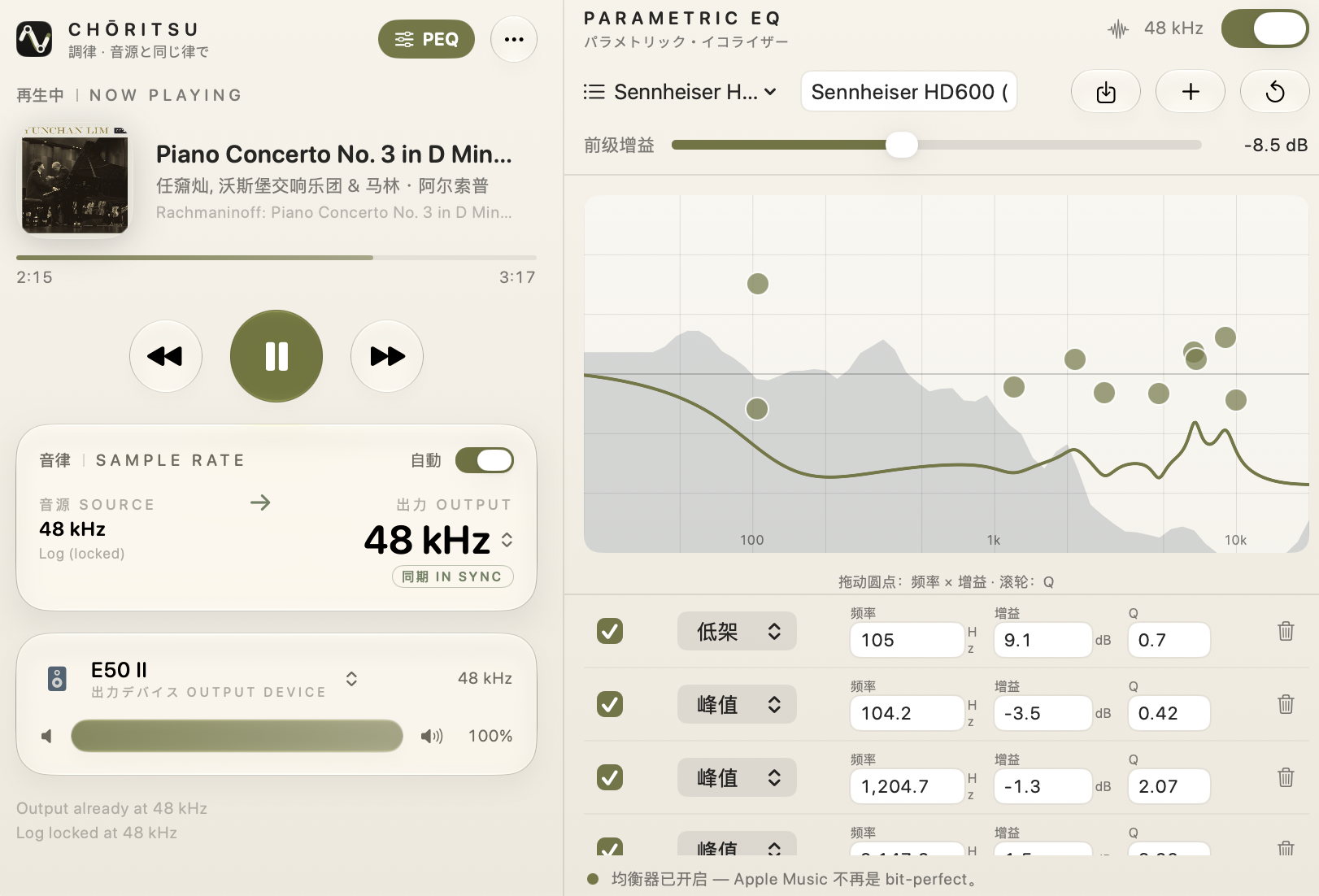
Sennheiser HD600 AutoEQ preset, applied to Apple Music through a muted process tap.
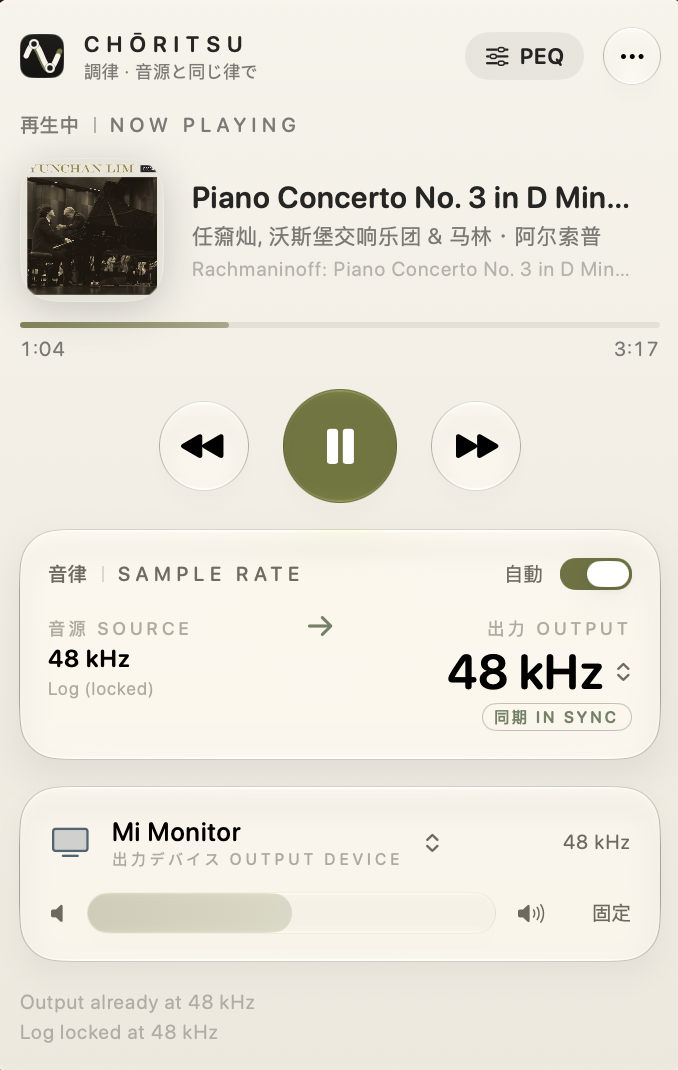
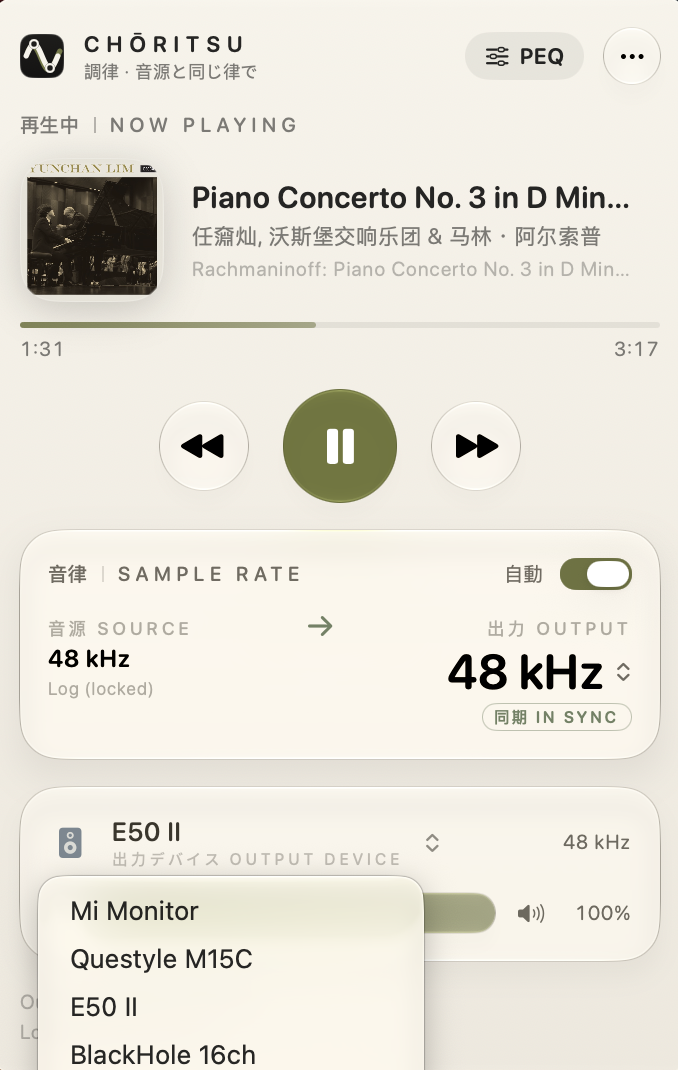
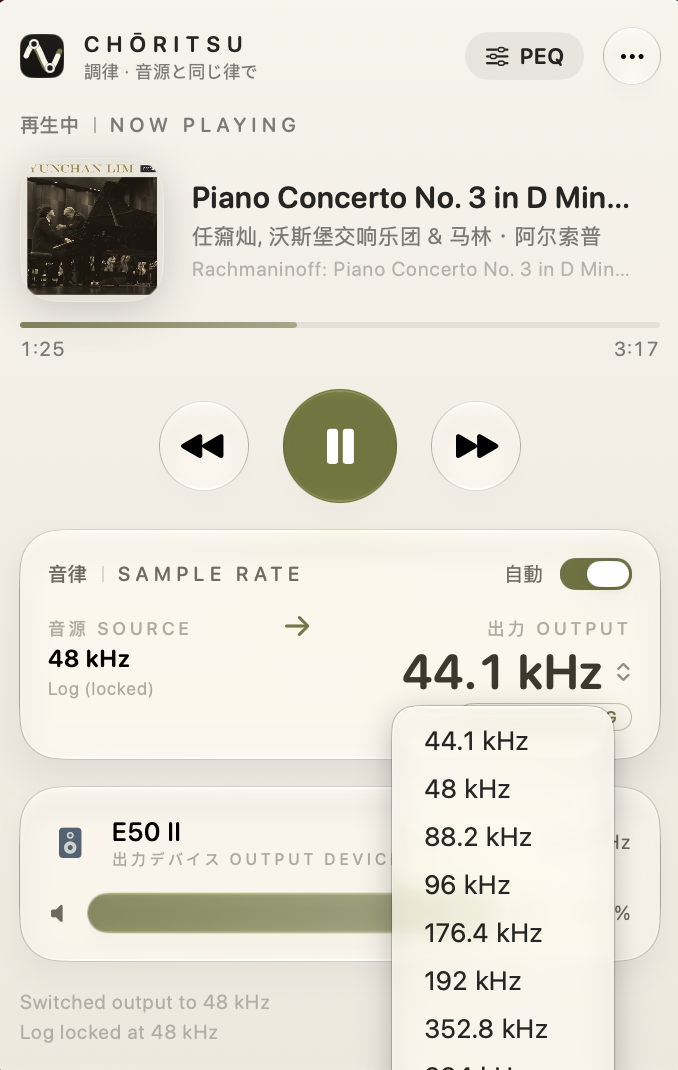
Tuning, end to end
Lossless rate-matching
Locks your output device to the track's real sample rate — 44.1 to 192 kHz, within a second of a track change — so macOS never silently resamples behind your back.
Parametric EQ
A multi-band PEQ for headphones and speakers. Import an AutoEQ preset, drag the response curve, scroll to set Q, watch the live spectrum, keep a profile per pair.
No driver, no admin
The EQ runs through a muted Core Audio process tap — no virtual sound card, no kernel extension, no admin rights, and clearly marked when it's on.
Now playing & transport
Artwork, title, album, a live progress bar, and play / pause / previous / next — right from the menu bar.
Native Liquid Glass
Built on real macOS 26 glassEffect materials, in a calm wabi-sabi palette that disappears into the desktop.
Localized
English, 日本語, 简体中文, and 繁體中文 — including the EQ panel.
Outside the signal path, until you ask
Choritsu infers the playing track's sample rate from the Core Audio log stream, then changes the same device setting you could change in Audio MIDI Setup — pure HAL property access, nothing in the audio path.
Follow the source
Detect the decoded rate and match the output device, debounced so it never flaps mid-track.
Tap, only if asked
Turn on the EQ and a muted process tap feeds Apple Music's audio through a biquad cascade — no driver.
Stay correct
EQ coefficients recompute on every rate change, so a correction holds from 44.1 to 192 kHz.
Get Choritsu
Download the disk image, open it, and drag Choritsu.app to your Applications folder. The build is ad-hoc signed (not yet notarized), so clear the quarantine flag once:
macOS 26 Tahoe or later · Apple Music (subscription or local library)